

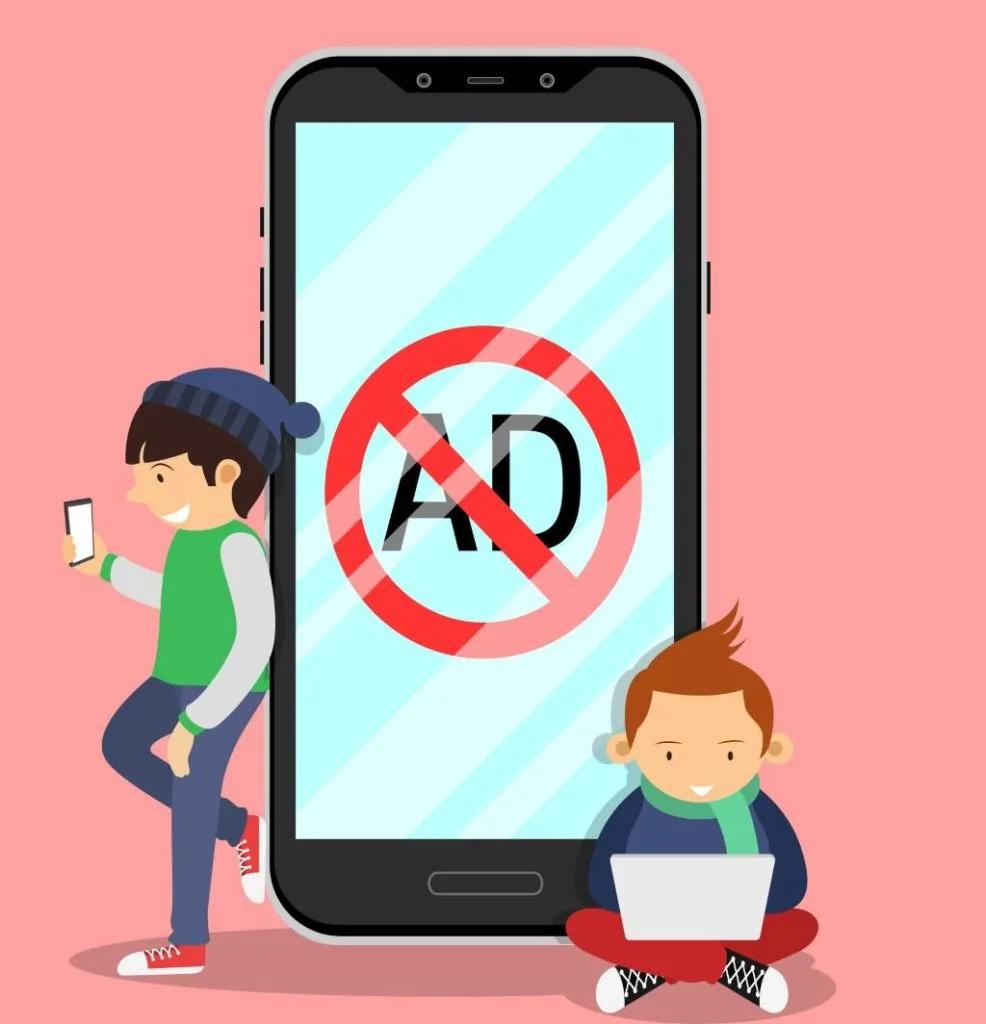
How to Block Ads on Your Phone?
Why are phone ads becoming a problem in Lithuania?
Phone ads have become more aggressive in recent years, and their frequency has increased alongside the popularity of mobile apps. Some free apps in Lithuania use ads as their primary source of revenue, causing users to encounter pop-ups, video ads, and banners more frequently. Such ads disrupt daily phone usage, consume mobile data, shorten battery life, and in some cases, can lead to unstable operating system performance. If ads cause your phone to slow down or freeze, it’s worth consulting phone repair specialists in Lithuania who can accurately identify the cause and offer a solution.
AdBlock apps: how they help and which to choose?
A simple way to reduce the number of ads on your phone is to use special apps like “AdGuard” or “Blokada” (Android), as well as browser extensions like “uBlock Origin” (when browsing via mobile browser). These tools filter out advertising elements, reduce tracking, and often speed up browsing. “AdGuard” is particularly valued for its wide range of filters and protection against trackers, while “Blokada” is convenient to use at the DNS level. If you notice that ads still slip through or the blocking apps are unstable, professional diagnostics may be needed – this is performed by phone repair specialists in Vilnius and other cities in Lithuania.
Browsers with ad blocking
Another effective way is to use browsers with built-in blockers. The popular “Brave” browser in Lithuania automatically blocks third-party ads and tracking, while “Firefox Focus” focuses on privacy and reducing unnecessary elements. This improves user experience and saves data, as advertising components are not even loaded. However, if performance worsens while browsing or pages fail to load, the issue may lie not in the ads but in the device itself (e.g., an outdated cache, problematic apps, or malware). In such cases, consult “Fixas” specialists – they will quickly and efficiently perform phone repairs in Vilnius.
System settings for ad blocking
Newer “Android” and “iPhone” models have useful privacy controls. On “Android” devices, it is recommended to disable ad personalization (“Google” settings → Ads), as well as check the “Chrome” pop-up blocker and, if necessary, clear browsing data. For “iPhone” users, “App Tracking Transparency” is effective – it allows apps to clearly request permission to track and provides an easy way to opt-out of tracking. Additionally, “Safari” offers enhanced protection against tracking and fingerprinting. If you encounter difficulties with configuration or ads still appear after changes, repair specialists can help properly adjust the settings.
VPN services for ad blocking
VPN services are becoming popular not only for encrypted connections but also for integrated ad and tracker blockers. “NordVPN” offers “Threat Protection/Threat Protection Lite,” while “Surfshark” provides the “CleanWeb” feature, which helps block some ads, dangerous websites, and trackers, especially when using public Wi-Fi. This is convenient for traveling and remote work. If ads still appear not just in the browser but throughout the system even with a VPN, it is likely that adware/malware is running on the device – in this case, professional phone inspection and cleaning are necessary.
Ads as a signal of phone problems
Constantly appearing ads, especially when you are not opening browsers or apps, often indicate malware activity. The first steps: remove recently installed suspicious apps, review browser permissions, clear caches, and if possible, check the device in safe mode. If ads do not disappear after these actions, “Fixas” specialists in Vilnius will perform a complete diagnosis and eliminate the source of the problem so that your phone works smoothly again.
Summary: how to avoid ads on your phone?
Blocking ads on your phone is an important step towards smooth operation and a better experience. You can use blocking apps, choose browsers with built-in blockers, or properly adjust system settings; if necessary, utilize a VPN with additional protection. If you encounter deeper issues, such as adware or a slow system, remember that phone repair services in Lithuania, such as Fixas, can help quickly and reliably restore order. Follow these recommendations and enjoy your smartphone without intrusive ads!
Need help with your device?
If your phone, computer, or tablet is not working properly, bring it to Fixas. We perform quick diagnostics and usually complete repairs within 1–3 hours.