
Why Won't My Phone Charge? Main Reasons and Solutions
In today’s world, mobile phones have become an inseparable part of our daily lives. Whether needed for work, communication, or entertainment, a dead device can cause inconvenience. It becomes even more challenging when the phone won’t charge at all — this raises stress and uncertainty about where to start. Below are the most common reasons and reliable actions to help find a solution.
Battery Issues
One of the most common reasons why a phone won’t charge or charges slowly is a worn-out battery. Over time, the battery’s capacity decreases, and high heat and poor charging habits (constantly charging to 100% or letting it discharge completely) accelerate this process. If you notice that your phone discharges quickly, unexpectedly shuts down, or shows unstable charging percentages, the battery may need to be replaced. Experienced technicians in Lithuania perform battery diagnostics and replacements using original or high-quality parts; additionally, it is worth applying “smart” charging and trying to maintain a charge level of around 40–80% to extend battery life.
Charging Port Issues
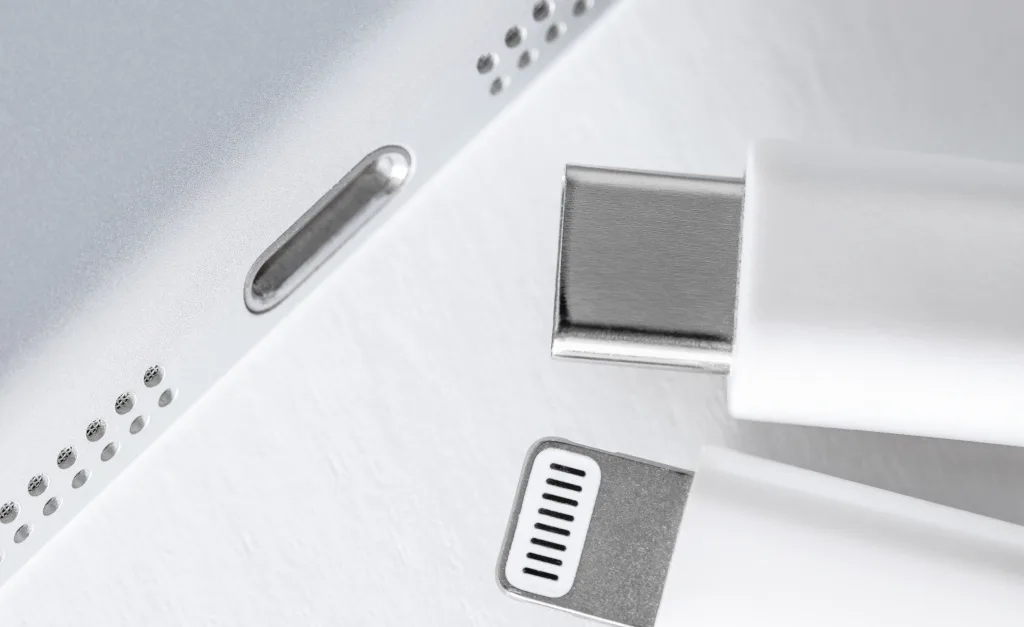
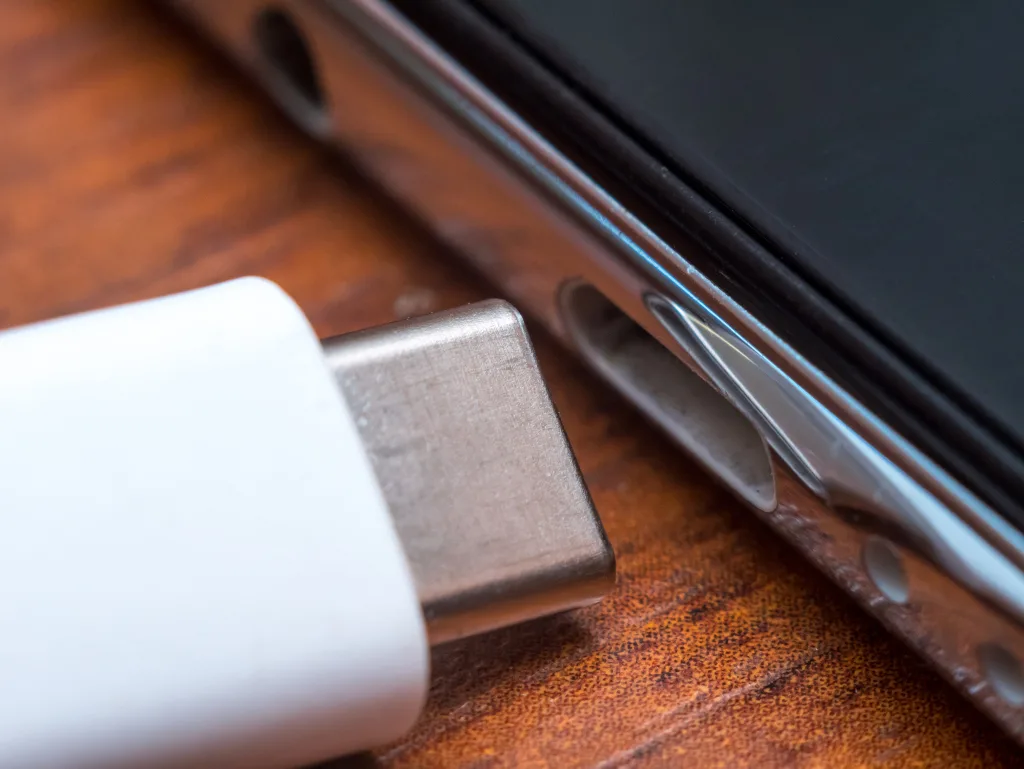
The charging port is a sensitive area: dust, lint, or oxidation can easily accumulate there, and frequent plugging in of the cable can mechanically loosen the connection. Even a small layer of dirt disrupts contact, causing the phone to charge intermittently or not respond at all. The safest way is to carefully remove dirt with a burst of compressed air or a special brush and avoid inserting metal objects into the port. If the connection is loose, the charging angle is “catching,” or visible damage is present, professional port repair or replacement is needed.
Damaged Charger or Cable
Often, the culprit is not the phone but the accessories. Cables can break at the plug, internal wires can snap, and low-quality adapters can supply unstable voltage. Check another (certified) cable and adapter, and try charging from a different electrical outlet. Choose original or manufacturer-approved accessories (USB-IF / MFi / manufacturer certifications), as incompatible chargers can not only charge slowly but also damage the device’s power circuits.
Software Glitches
Sometimes, charging issues are related to software: after an update, due to third-party apps, or system errors, the phone may not accept charging, display incorrect battery status, or stop fast charging. First, restart the device, check if the latest system updates are installed, and if necessary, boot the phone in safe mode to rule out app conflicts. In some cases, clearing caches or performing a factory reset helps (be sure to back up your data first).
Overheating
Most modern phones stop charging for safety reasons if the battery or port overheats. This can happen when performing intensive tasks while charging, in direct sunlight, or at high ambient temperatures. Remove the case, place the device in a cooler, well-ventilated area, and allow it to cool down. If overheating recurs, diagnostics are advisable — it may be a worn-out battery or damaged power circuit.
Moisture or Liquid Damage
Contact with water or condensation often triggers a moisture warning in the charging port and automatically disables charging to protect the circuits. In this case, disconnect the cable, dry the device, and leave it to dry in a well-ventilated area. It is not recommended to place the phone in rice or heat it — this is ineffective and can damage components. If the moisture warning persists or the device has been heavily soaked, a technician’s inspection and corrosion removal are necessary.
Incorrect Voltage or Power Supply Issues
An unstable network, worn-out home outlets, or incompatible travel adapters can disrupt charging, and surges can damage the battery and power circuits. Always try another electrical outlet, and if necessary, use a quality voltage converter and surge protection. If the phone started not charging after a trip or when connecting a new adapter, the problem may lie in the unsuitable power circuit.
Solutions
Start with simple steps: check another cable and adapter, carefully clean the charging port, and try another electrical outlet. Monitor if the phone overheats, update the software, review power usage, and if necessary, perform cache clearing or a factory reset (with a backup). If the phone has wireless charging, try that — it helps distinguish port failure from other causes. If the mentioned actions do not help, consult professionals.
When to Contact a Phone Repair Service in Lithuania
If self-attempts yield no results, if the phone warns of moisture, visible physical damage to the port is noted, significant battery degradation occurs, or the device does not respond to charging at all — it’s time for service. Choose a reliable repair shop that works with original or equivalent parts, provides a work guarantee, and clearly communicates prices and timelines. This ensures quick and quality repairs and a longer device lifespan.
Conclusions
A phone may not charge for various reasons — from simple (a faulty cable or adapter) to more complex (battery wear, port damage, moisture, or software issues). The most important thing is to systematically identify the cause and apply the appropriate solution: check accessories, clean the port, update software, and ensure cooling. If the problem persists, consult specialists. Quality phone repair not only resolves the existing issue but also helps prevent recurring failures. If your device needs assistance, visit Fixas phone repair in Vilnius — experienced technicians will take care of your phone quickly and efficiently.
Need help with your device?
If your phone, computer, or tablet is not working properly, bring it to Fixas. We perform quick diagnostics and usually complete repairs within 1–3 hours.