

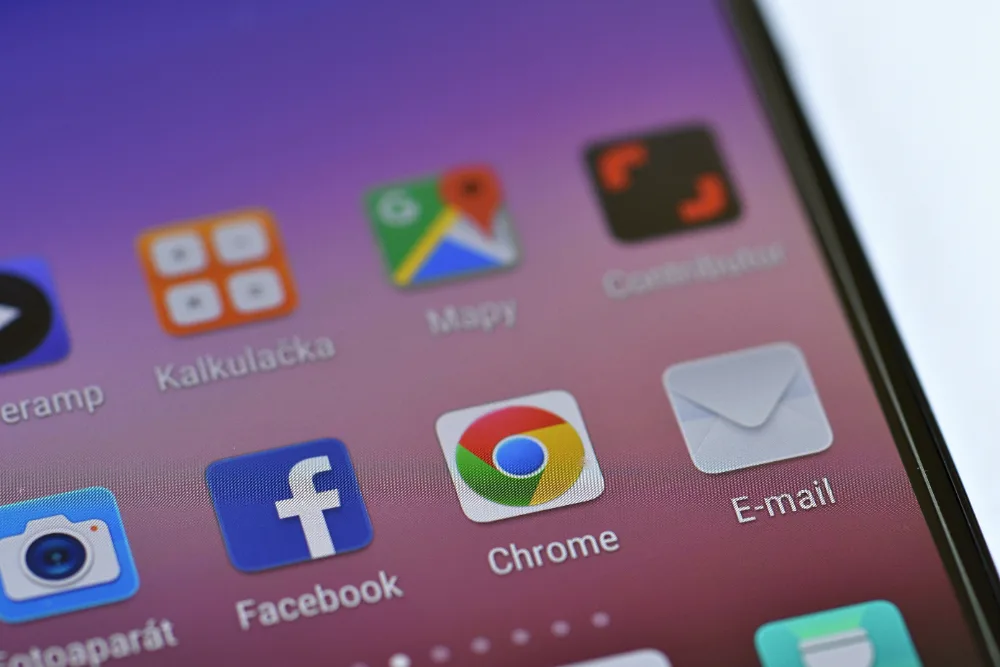
How App Updates Improve Your Phone’s Performance
When transitioning to a new phone, one of the most important steps is to ensure that all your apps and the operating system itself are updated. This enhances your daily user experience, stability, and performance, and most importantly – ensures the latest security patches. Before installing new apps, first update the existing ones and enable automatic updates: check for system and Google Play system updates in the Android settings, and on your iPhone, enable automatic iOS updates and Rapid Security updates. Consistent updating helps avoid compatibility issues, preventing errors and potential threats that may arise from using outdated app versions.
Steps to Download Apps to Your New Device
To quickly transfer and download apps to your new phone, sign in to your Google account on your Android device or your Apple ID on your iOS device. In the official stores (Google Play and App Store), you will find previously installed apps and can synchronize them with your new device. If some apps do not appear or the installation hangs, check your account login, internet connection, device compatibility, memory usage, and whether downloads are blocked. In case of persistent issues, it is advisable to contact a reliable phone repair and maintenance center in Lithuania – specialists will quickly identify the causes (from software bugs to account synchronization problems) and help restore smooth operation.
Security Tips for Downloading Apps
For security, it is crucial to install apps only from official stores, avoid unverified APK files, and carefully assess permissions (e.g., camera, location, access to messages) and the developer’s reputation. Use strong, unique passwords, enable two-factor authentication, regularly check for updates, and, if necessary, a reliable antivirus solution. If you notice suspicious activity (unexpected ads, aggressive pop-ups, sudden performance drops), immediately remove the suspicious app, review security settings, and if needed, consult phone repair experts in Lithuania – they will conduct a thorough analysis and help eliminate threats while providing clear prevention recommendations.
Optimize Your Phone by Removing Unnecessary Apps
New phones often come with pre-installed apps that you do not need. Removing or disabling them helps optimize performance, saves battery, and frees up memory. Regularly review rarely used or duplicate apps, delete them, and clear temporary data. Avoid removing system apps if you are unsure of the consequences – they may be essential for the smooth operation of the device. If in doubt or if you encounter errors (e.g., recurring notifications, random reboots), seek professional services in Lithuania – specialists will help determine what is worth disabling and what to keep.
How to Ensure Long-Term Phone Performance
To maintain long-term reliability, periodically check for app and system updates, enable automatic updates, and follow notifications about security patches. If your phone starts to perform slower, check memory usage, remove unnecessary apps, update services (Google Play system updates or iOS rapid security updates), and if necessary, back up to safely apply manufacturer-recommended solutions. In case of stubborn technical problems, consult professional repair specialists in Lithuania – they will accurately identify the cause of the malfunction and suggest the most reliable solution path.
Need help with your device?
If your phone, computer, or tablet is not working properly, bring it to Fixas. We perform quick diagnostics and usually complete repairs within 1–3 hours.