
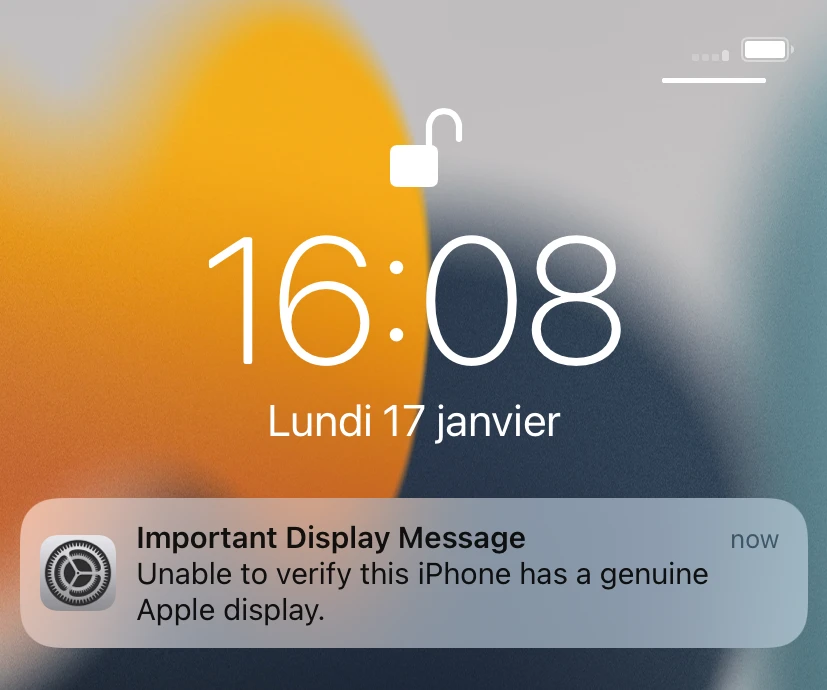
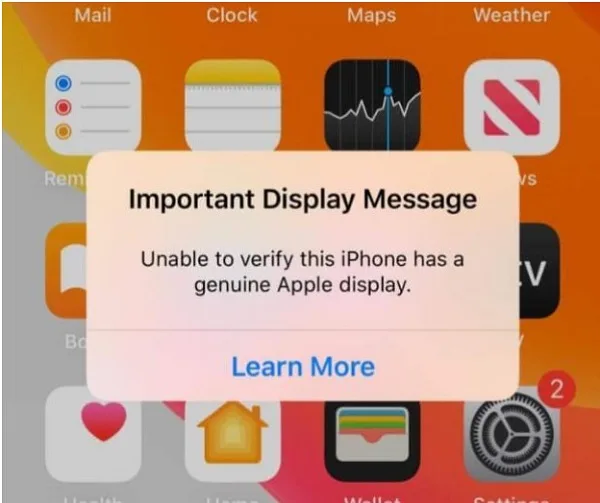
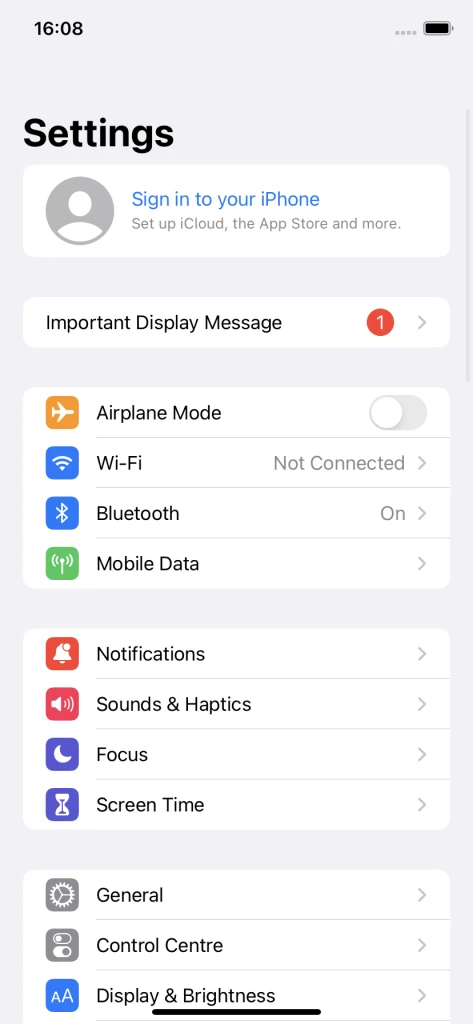
What Does the 'Important Display Message' Notification Mean on Your iPhone?
Causes of Error Messages
Users visiting a phone repair service may see the following error messages after their iPhone has been repaired:
- ‘Important Display Message’
- ‘Important Battery Message’
- ‘Important Camera Message’
These messages typically appear when the screen, battery, or rear camera is replaced at a non-authorized service center. This happens because Apple links certain parts to a specific device (parts are identified and verified programmatically based on the device and part data). As a result, regardless of whether an original or non-original part is used, without the appropriate linking and calibration, the system may display warning messages about an unknown or previously used part.
Special Equipment and the Consequences of Its Absence
To avoid these messages, special part linking and calibration is necessary. This is done using manufacturer-defined procedures (e.g., completing ‘Finish Repair/Repair Assistant’ steps after part replacement), most of which non-authorized service centers are unable to perform. Therefore, they cannot guarantee that the warning message will not appear after the repair.
For example: if the battery is replaced without the necessary linking, the battery health information may not be displayed or a warning about the inability to verify the battery may appear.
Duration of Messages and Their Location on the Device
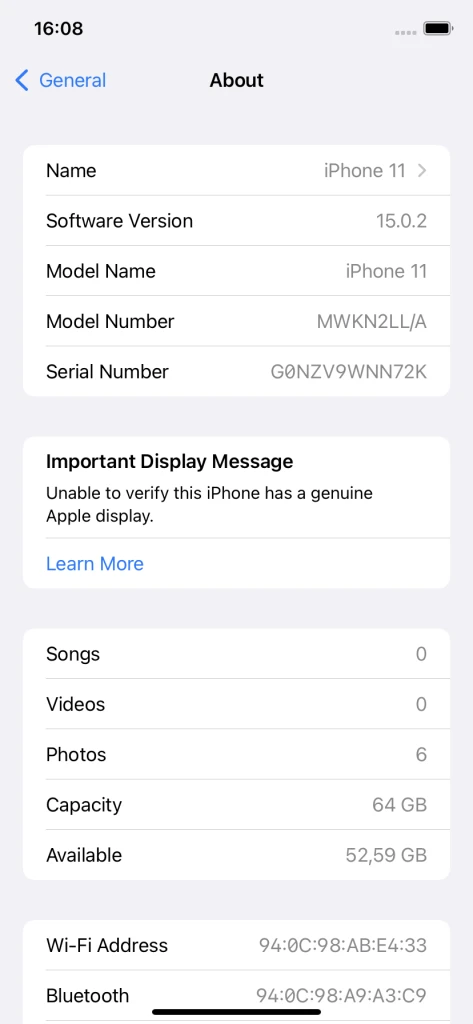
Warnings after repair typically appear on the locked screen for about 4 days, and then for about 15 days in the ‘Settings’ main window. After that, the information remains recorded in the device’s part history:
Settings > General > About > PARTS AND SERVICE
iPhone Models with Error Messages
- Battery Error Message: iPhone XR, XS, XS Max, SE 2020, and newer models.
- Battery and Screen Error Message: iPhone 11 series, iPhone 12 series, iPhone 13 series, iPhone 14 series (as well as newer models that may display ‘Unknown/Used part’ information in newer iOS versions).
- Battery, Screen, and Rear Camera Error Message: iPhone 12 and newer models, where camera replacement without manufacturer-defined linking may cause the corresponding warning.
How Does Our Service Solve These Issues?
When replacing the iPhone screen, glass, or battery at our service, we perform part linking and calibration procedures, ensuring that regular system warnings do not appear. After screen or glass replacement, we preserve the True Tone feature so that colors and white balance remain natural. We provide a 12-month warranty for all iPhone screen or glass replacement work.
Visit Our Service
Visit our service to avoid iPhone error messages and receive top-quality repair services.
Need help with your device?
If your phone, computer, or tablet is not working properly, bring it to Fixas. We perform quick diagnostics and usually complete repairs within 1–3 hours.