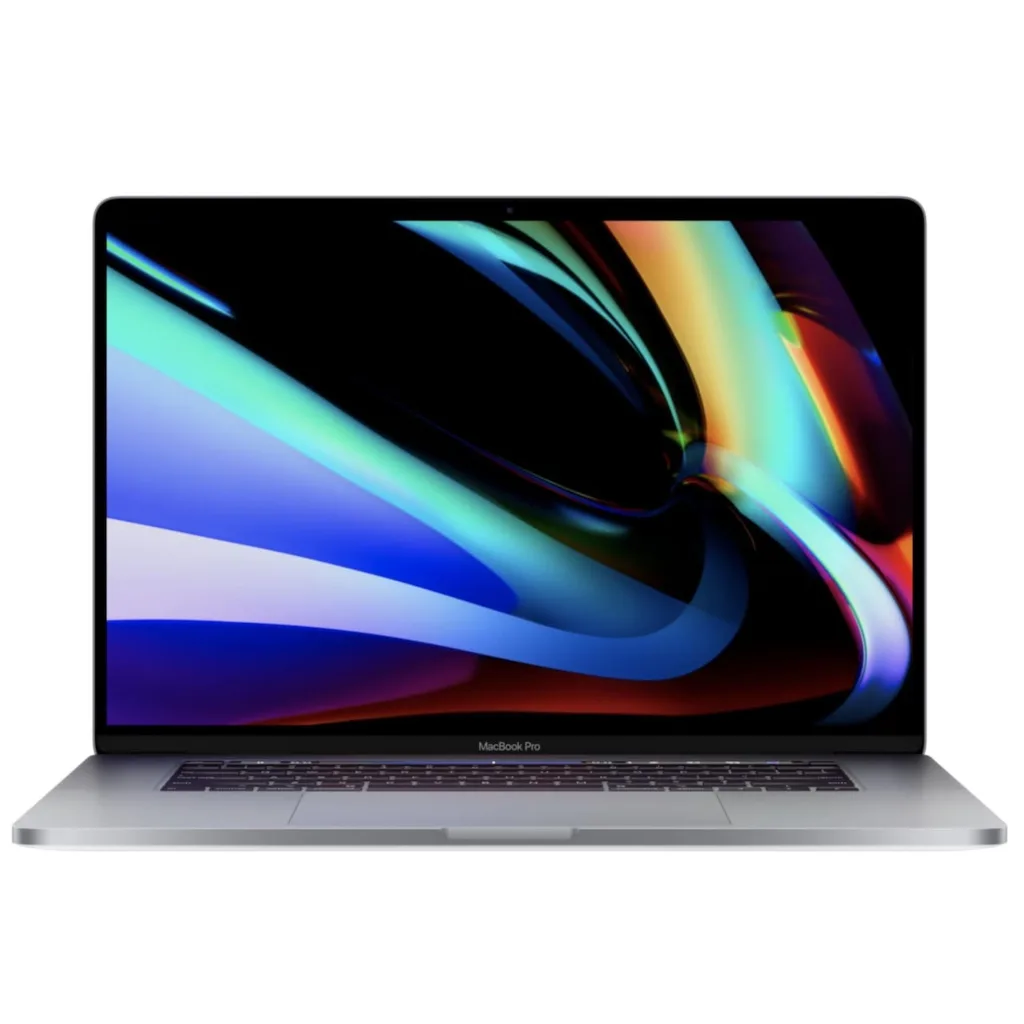
Macbook Pro 16″ (A2141) (2019) Repair
- Diagnostics 0€
- Display replacement 599€
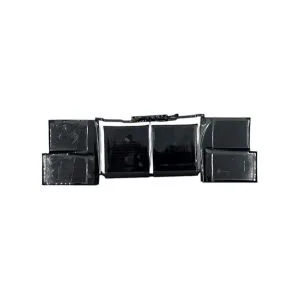
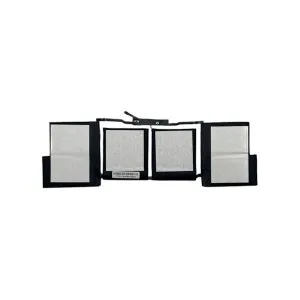
- Battery replacement 189€
- Charging port replacement Contact us
- Keyboard replacement Contact us
- Cooling system maintenance Contact us
- Reinstalling the operating system Contact us
- Trackpad replacement Contact us
- Touch Bar replacement Contact us
- Mainboard repairs Contact us
- Speaker replacement Contact us
- Moisture removal Contact us
- Replacement of charging cable Contact us
Repair within 1 hour
We complete most MacBook laptop repairs within 1 hour. Only more serious non-standard repairs may take longer, and you will be informed about this.
Courier pickup
With the help of couriers, we can collect devices for repair from other cities. Call us and we will resolve everything immediately.
3-month warranty
We provide a 3-month warranty for MacBook laptop repairs.
Replacing the screen of the MacBook Pro 16″ (A2141) (2019) in our salon usually takes a few hours. The specified price includes the part along with the replacement work.
Yes, we provide a 3-month warranty for repair work on the MacBook Air M3 15″ (2024).
We always contact the client and agree on whether additional repairs are needed and how much it will cost. We apply a discount for complex repairs.
Yes, we repair water-damaged MacBook Pro 16″ (A2141) (2019) computers. These repairs usually take longer than screen replacements.
We recommend performing preventive maintenance on the cooling system every year to avoid overheating of the computer.
Once you have packed the computer well, you can send it via courier or parcel locker. You can find more detailed information in the ‘SEND DEVICE’ section.
Professional MacBook Pro 16″ (A2141, 2019) repair in Vilnius
Fixas is a specialized Apple MacBook service where your device is handled by experienced technicians. The 2019 model MacBook Pro 16″ (A2141) is one of the most powerful laptops from the Intel era. Its complex components, from Intel Core i9 processors to the AMD Radeon Pro 5000M series graphics, need specialist maintenance.
In our workshop in Naujamiestis (across from the RIMI Hypermarket), we use certified diagnostic equipment to accurately identify both software and complex motherboard failures. If you cannot come in person, we offer free collection and return of your device via courier throughout Lithuania.
Our specialist services
Screen (Retina Display) replacement
We install original 16-inch screens with a 3072×1920 resolution and 500 nits brightness. Replacement may be needed for cracks or specific “A2141” faults, such as image artefacts caused by worn cables or uneven backlighting.
Battery replacement and BMS restoration
This model is equipped with the largest allowable battery for flights, a 100 Wh (8715 mAh) lithium polymer battery. If your device drains quickly, powers off at 20%, or you notice swelling, our specialists will replace the battery within 1-2 hours, check the SMC controller, and recalibrate the battery management system.
Cooling system maintenance and thermal throttling prevention
Due to powerful components (i7/i9 processors), this model generates a significant amount of heat. We recommend cleaning the KDB501 and KDB502 fans and replacing thermal paste with a high thermal conductivity alternative every 12 months. This not only reduces noise but also protects the VRM (voltage regulator module) circuits from overheating.
Logic Board (Motherboard) and T2 chip repairs
We carry out complex chip soldering, mainly to repair damaged power circuits, resolve Apple T2 security chip charging faults and clean corrosion after liquid spills.
Keyboard and Force Touch Trackpad replacement
In the “A2141” model, Apple reverted to a more reliable Magic Keyboard mechanism. However, liquids or mechanical wear can still cause keys to stick. We replace both individual modules and the entire Top Case.
Why is replacing the MacBook Pro 16″ (2019) battery a priority?
The 100 Wh battery is designed to withstand about 1000 cycles; however, professional work with video editing software or 3D graphics accelerates its wear.
Key symptoms indicating failure
Capacity drop: If Battery Health shows less than 80%, the processor frequency may be limited to prevent system overload.
Swelling: A swollen battery is dangerous. It can press against the Trackpad module, making it difficult or impossible to click.
Charging errors: When the computer shows “Service Recommended” or the charging level gets “stuck” at 1%.
For MacBook Pro 16″ (A2141) (2019) repairs we provide a 3-month warranty.
Cooling system maintenance: Intel i9 and AMD Radeon
The MacBook Pro 16″ has two powerful graphics card options (e.g., AMD Radeon Pro 5500M), which together with the i9 processor create a significant thermal load.
Our maintenance process
Safe casing opening without damaging Pentalobe screws.
Complete disassembly of KDB502 and KDB501 fans and dust removal.
Removing old, hardened thermal paste from CPU/GPU chips using isopropyl alcohol.
Applying high-quality thermal paste, then stress testing while monitoring temperature changes in degrees.
Why trust your Apple device to Fixas?
Specialist experience: We have been exclusively working with Apple products for over 10 years.
Transparency: We diagnose the fault and agree on the final price before starting work.
Speed: Most standard jobs (screens, batteries) are completed on the same day.
Loyalty: We offer discounts for returning customers.
Contact us to restore your MacBook Pro 16″ to its factory performance.